Two variable recognized but no option to compare the specific groups - 2

Hello,

I previously posted about an issue and received a reply, but the topic was subsequently closed, so I can no longer comment on it to provide additional information.

My original question was about analyzing a single RNA-seq dataset containing two metadata variables: sex and genotype. For example, I would like to compare cKO_female vs WT_female—i.e., compare the genotypes specifically within the female group. However, I could not find a way to specify this comparison using the Simple Metadata tab (which was previously possible).
Thank you for replying to my previous post. You advised me to use the Complex Metadata tab instead. However, I was wondering whether this is a change in functionality. I believe that previously it was possible to define a primary factor (e.g., sex) and a secondary factor (e.g., genotype), after which the analysis would allow you to select specific groups such as:

  • male_WT

  • male_cKO

  • female_WT

  • female_cKO

This would then allow a comparison such as female_cKO vs female_WT.

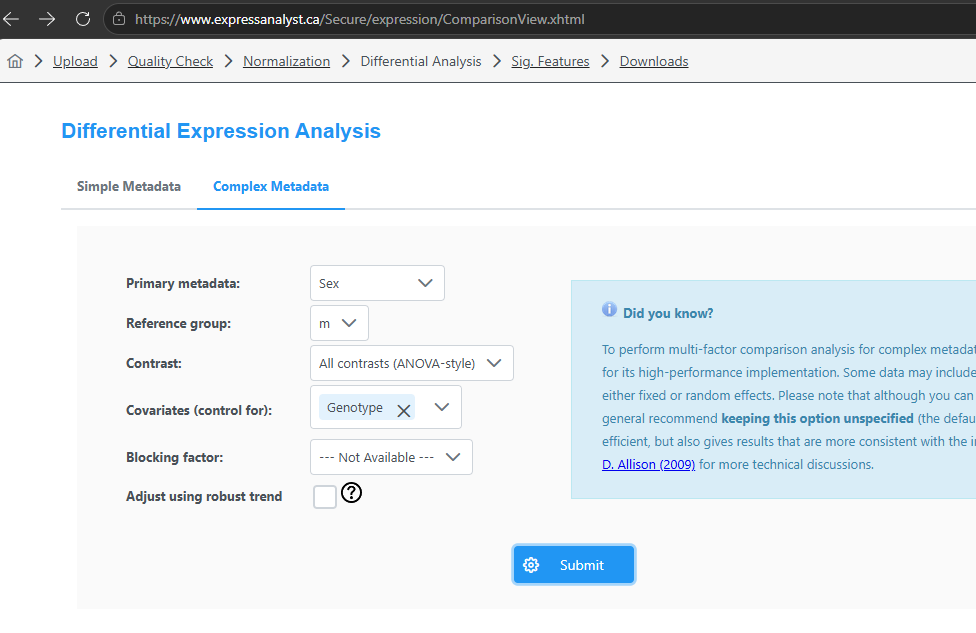
I have now tried using the Complex Metadata tab as suggested, but I still cannot find a way to perform this type of subgroup comparison:
Instead, the analysis appears to provide results for only one variable at a time:
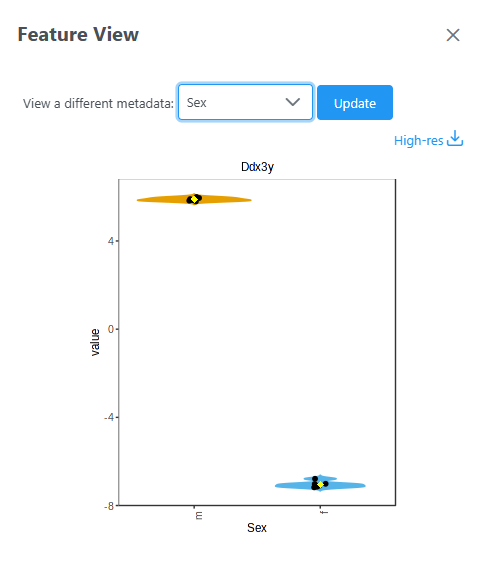
Previously, I believe there was also an option to compare subgroups or perform nested comparisons—for example:

female_cKO vs female_WT versus male_cKO vs male_WT

With the current interface, when I select two variables, I only seem to be able to choose either female vs male or WT vs cKO. Neither of these gives me the comparison I am looking for, which is specifically cKO vs WT within females (or within males).

Could someone clarify whether this functionality has been changed or removed in a recent update? I am fairly certain that this type of comparison was possible previously, and I believe the interface changed sometime within the last year.

More importantly, is there currently a way to perform a comparison such as female_cKO vs female_WT using this dataset, and if so, how should the metadata/analysis be configured?

Thank you!
Dear Jeanne,

I really appreciate the detailed report! The issue is now resolved please give it a try.

Guangyan

Hello,

Thank you for your quick reply.

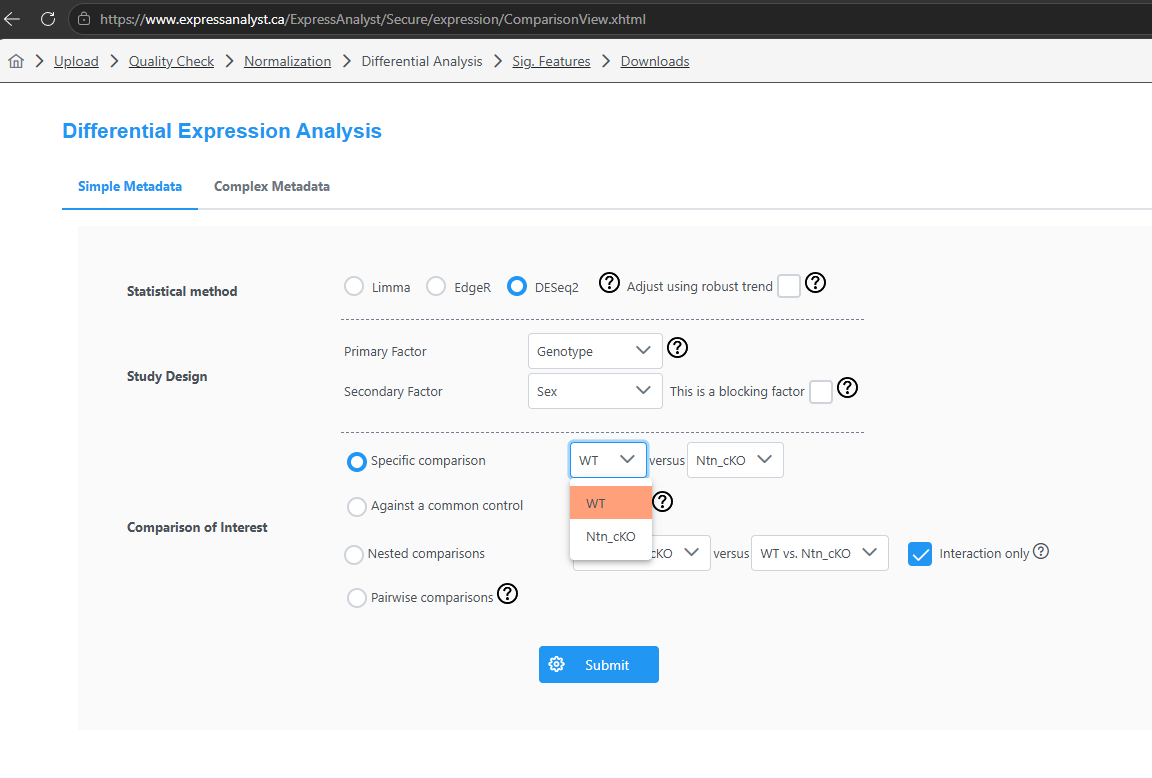
It seems that the Simple Metadata tab now offers the option to compare two of the four groups at a time. However, the Complex Metadata tab still seems to show only one factor at a time, with the subgroups defined by the second variable being grouped together under a single group.

In this case, should I proceed with the analysis using the Simple Metadata tab, despite your previous recommendation to use the Complex Metadata tab?

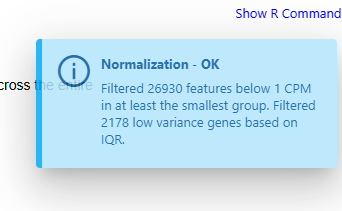
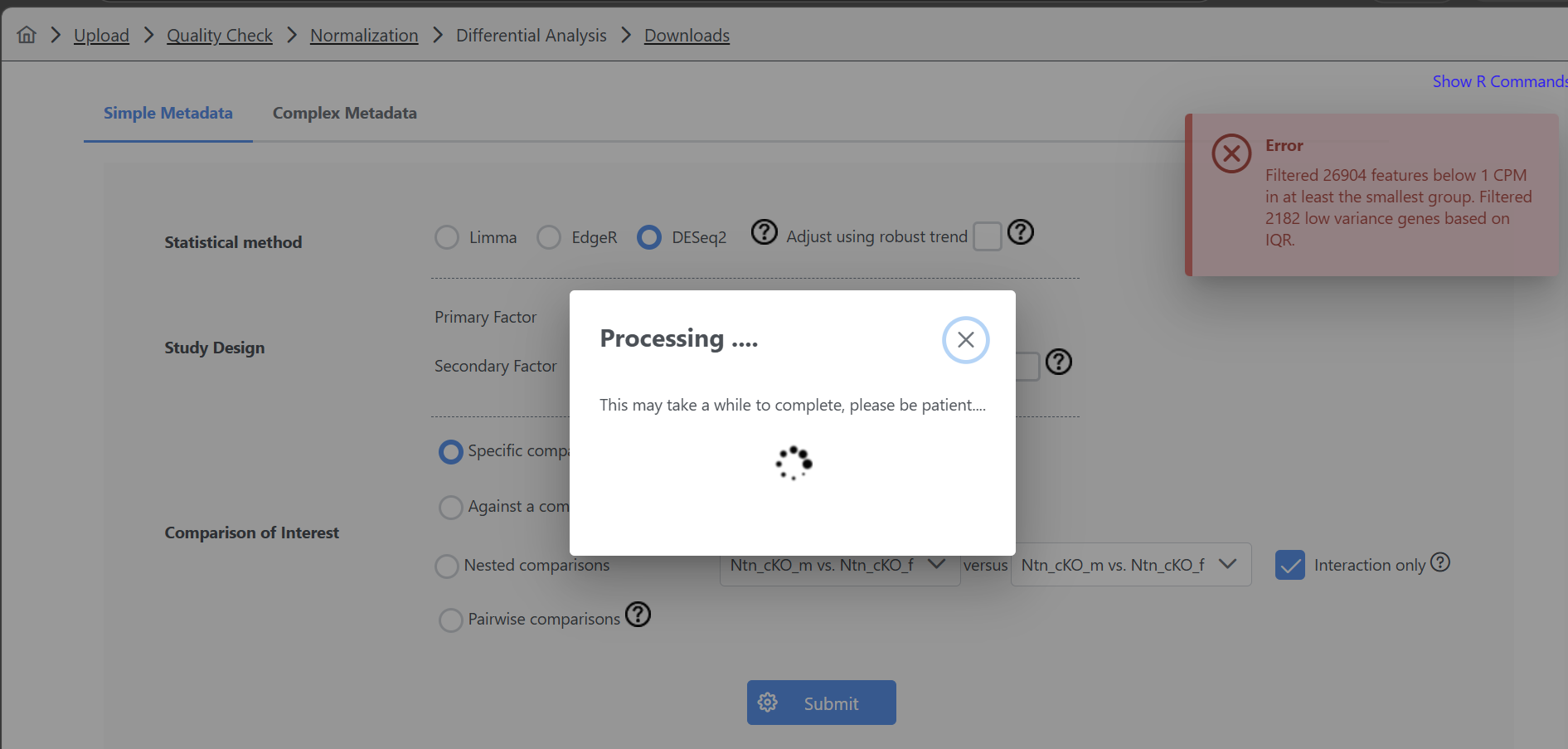
I also have an issue when trying to run DESeq2 on my full dataset. I receive an Error message at the Differential analysis step indicating that 26 904 features were filtered out for low abundance and 2 182 for low variance. This info also appears at the Filtering step as a comment and not an error, but after this message appears as an error at the Analysis step, it remains stuck on “Processing” for tens of minutes and eventually times out, so I cannot proceed to the next step.

Interestingly, if I separate the dataset by sex and upload only the male samples, approximately the same number of features are filtered out, but the analysis does not produce the error/stall and I can proceed normally:

The same is true for the female-only dataset.

I also tested whether the issue might be related to something wrong in the formatting of the combined dataset file. Starting with the male and female files that work separately, I copied the sample columns from one file and pasted them into the other, without changing anything else. As soon as I combined the samples this way, I encountered the same error/stalling issue again and the analysis would not proceed.

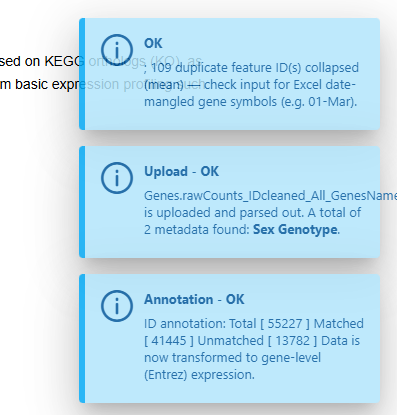
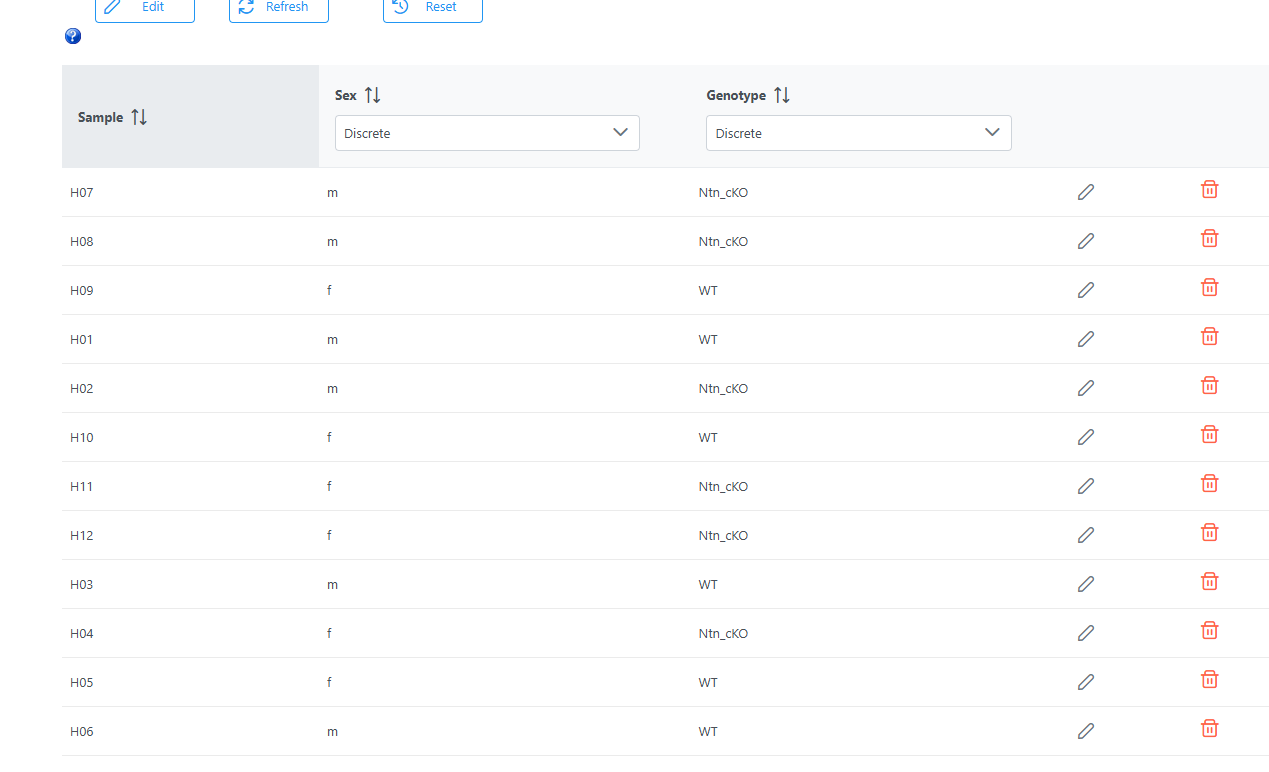
For context, my full dataset contains 12 samples: 3 biological replicates per sex per genotype. Express analyst does seem to read the metadata correctly and find the 2 variables:

and does attribute a condition to every sample of the dataset according to the Metadata overview at the Data Quality Check step:

Could this be related to the way the metadata are defined, the number of groups/factors, or something specific to how DESeq2 is handling the combined dataset? Is there anything I should change in the metadata or dataset formatting to allow the analysis to run?

Thank you for your help!

This is a good question, the answer depends on your study design and analysis goal

  1. Complex Metadata - this is mainly designed for human observational studies - a primary factor (disease vs control) with many secondary factors (age, sex, BMI, etc) which could play a role in the analysis. They are included as covariates

  2. Simple Metadata - this is mainly for one- or two- factor designed experiments. Here the two factors are more “equally” important, you literally can flatten the two factors into one. For instance, Factor 1 Genotype: WT (wild type) and KO (knock out); Factor 2 Sex: Male and Female

    • Stratify: perform two separate analysis:
      • WT vs KO in Male
      • WT vs KO in Female
    • Combine, which becomes a four group analysis (WT_Male, WT_Female, KO_Male, KO_Female)

Other notes:

  • If it fails, please manually flatten the two factors then upload the file to the public tools;
  • Three factors are really rare in omics studies, but you can do it easily with the same approach assuming your have sufficient sample size;
  • We recommend our latest tool OmicsAssist, which provides conversational interface to allow you to specify combination or comparions during analysis - via plain text or voice