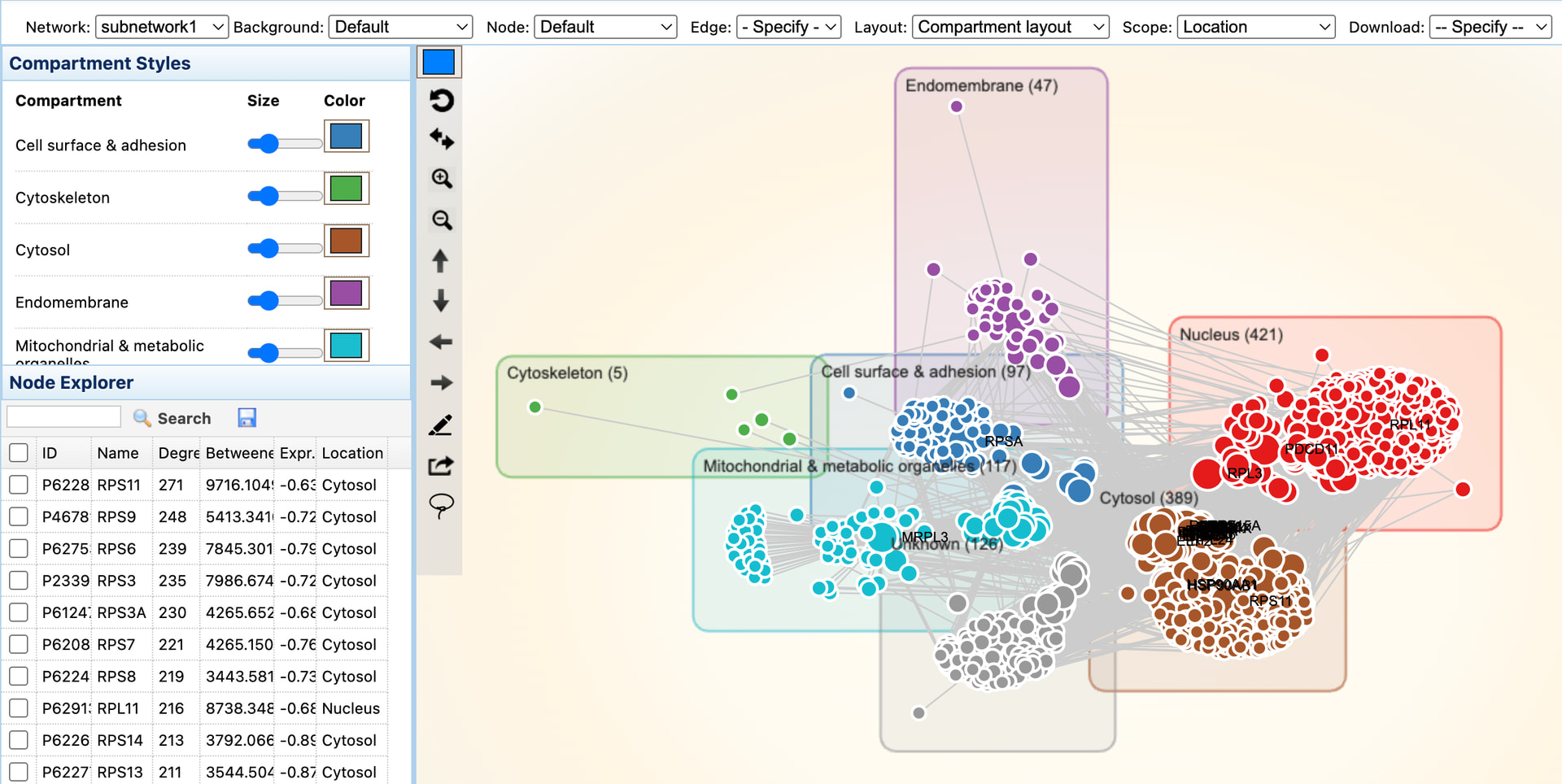
Refer to the screenshot below:
Update the compartment and color/node size:
- Locate the “Compartment Styles” on the left panel
- Use “Size” or “Color” palette to adjust the size or color based on cellualr compartment
Update the location:
- Make sure the Scope option to set to “Location”
- Point your mouse over any node inside the colored area and drag it